

How to track PDF views (2026 guide)
A practical guide to tracking who opens your PDFs, which slides they read, and how long they spent — without exporting to a different format.
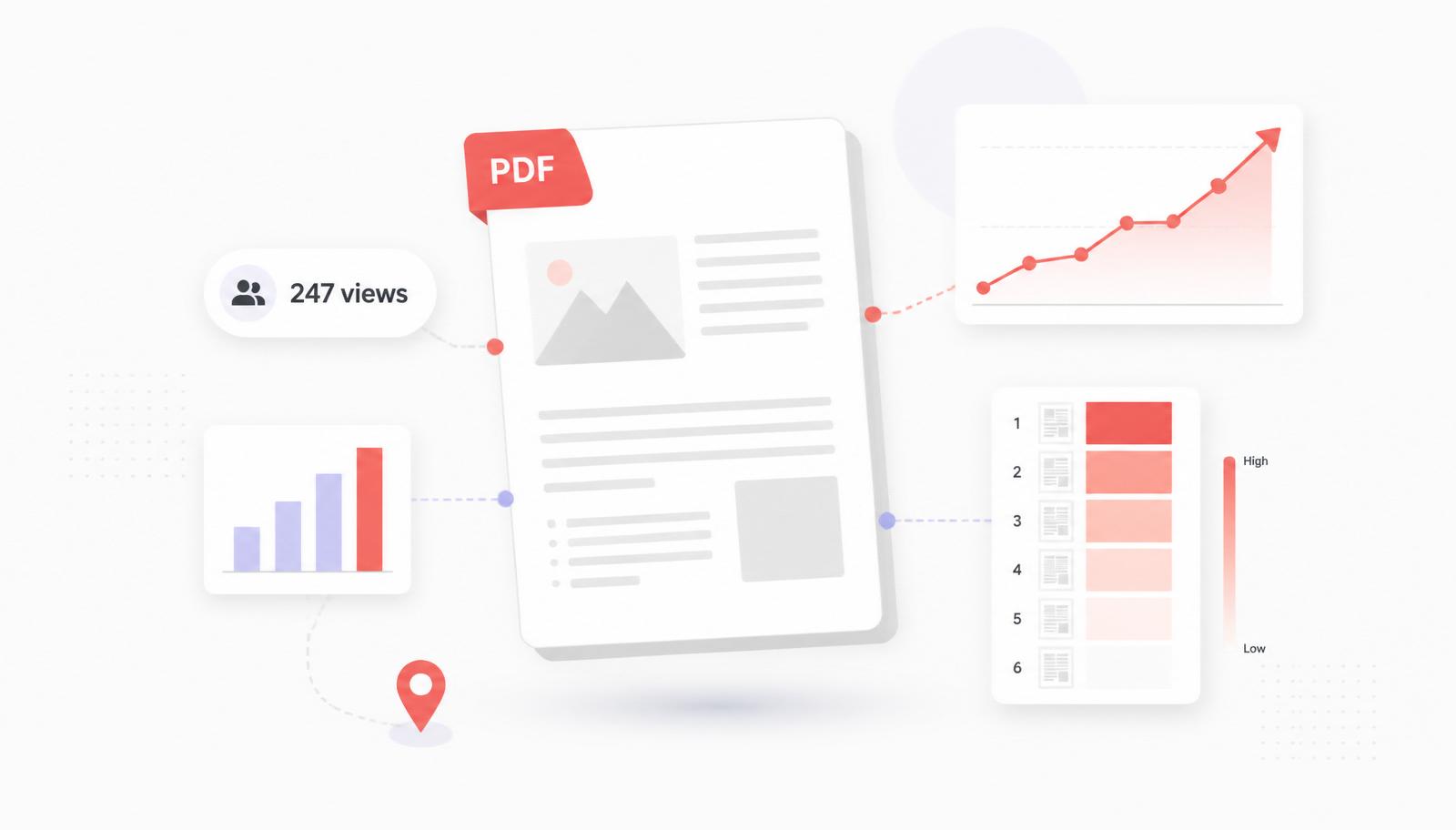
You just emailed a proposal, a pitch deck, or a product one-pager as a PDF attachment. Then… silence. Did they open it? Did they read past page 1? Was it forwarded to a decision-maker? A raw PDF file gives you none of those answers. This guide walks through how modern teams track PDF views in 2026 — without switching everyone off PDF, and without a heavy CMS.
Why native PDFs can't be tracked
A PDF is a self-contained file. Once it leaves your outbox, the recipient opens it in Preview, Adobe Reader, Chrome, or their phone — none of which report back to you. Even "read receipts" in email only tell you the email was opened, not that the attachment was viewed. That's why every serious tracking approach replaces the attachment with a link to a hosted page.
The trackable-link approach
Instead of attaching a PDF, you upload it once to a hosted viewer and share a link. Every view goes through your server, so you can log:
- Whether the link was opened at all
- When it was opened, how many times, and from where
- How long the viewer spent on each individual slide
- Where they dropped off — and which slide they came back to
- Which device and rough location (country/city) they viewed from
The recipient still sees a familiar PDF-like reading experience in their browser. You get a live feed of engagement in your dashboard.
What to look for in a PDF tracking tool
- Per-slide analytics — total time is coarse; time-on-slide is where the real signal lives.
- Password protection and expiry — proposals and financial decks shouldn't sit on a public URL forever.
- Real-time notifications so you can follow up while the buyer is still engaged.
- Custom link names (e.g. senddeck.to/s/acme-corp) so the URL itself reads like a personalized touch.
- A free tier — you should be able to test the workflow on a real deal before paying anyone.
Can you track PDF views in Google Analytics?
Sort of — and it's a lot of work for a partial answer. Google Analytics can log a click on a PDF link (via GA4 event tracking or Google Tag Manager), but it stops there. It won't tell you how long the viewer stayed on the file, which page they lingered on, whether they scrolled to the end, or whether they came back a second time. That's because the PDF itself lives outside your site — GA can see the outbound click, not what happens inside the file. If per-slide time and re-open detection matter, a dedicated document analytics tool is the shortcut; GA is the long way around to a weaker answer.
Doing it with SendDeck
SendDeck is built around exactly this flow. You keep authoring in Keynote, PowerPoint or Google Slides, export to PDF, and drop the file into SendDeck. A trackable link is generated in seconds, and every view — down to the second per slide — appears live in your dashboard.
- Free forever tier (3 decks per month, full per-slide analytics)
- Password protection, link expiry and email restrictions on Pro
- Session replay, viewer location map and unlimited uploads on Pro
- GDPR-compliant, EU-hosted, no IP addresses stored
Privacy notes
Tracking a PDF view doesn't have to mean tracking the person. SendDeck deliberately does not store viewer IP addresses or set third-party cookies on shared links, and viewer geolocation is derived at request time from an anonymized lookup. That means you can share externally without dragging every recipient into a marketing tracking pixel.
Which tool should you pick?
If you're currently on DocSend and looking for a cheaper option with the same core features, see the DocSend alternative comparison. If you're considering Papermark and want a managed option, the Papermark alternative comparison lays it out side by side.
Either way, the punchline is the same: stop attaching PDFs to emails. Share a link, get real signal back, and follow up while the buyer is still on the page.