

Presentation analytics for Google Slides, PowerPoint & Keynote (2026)
None of the big three presentation tools track who viewed your shared deck. Here's how to add real per-slide analytics to Google Slides, PowerPoint and Keynote without switching authoring tools.
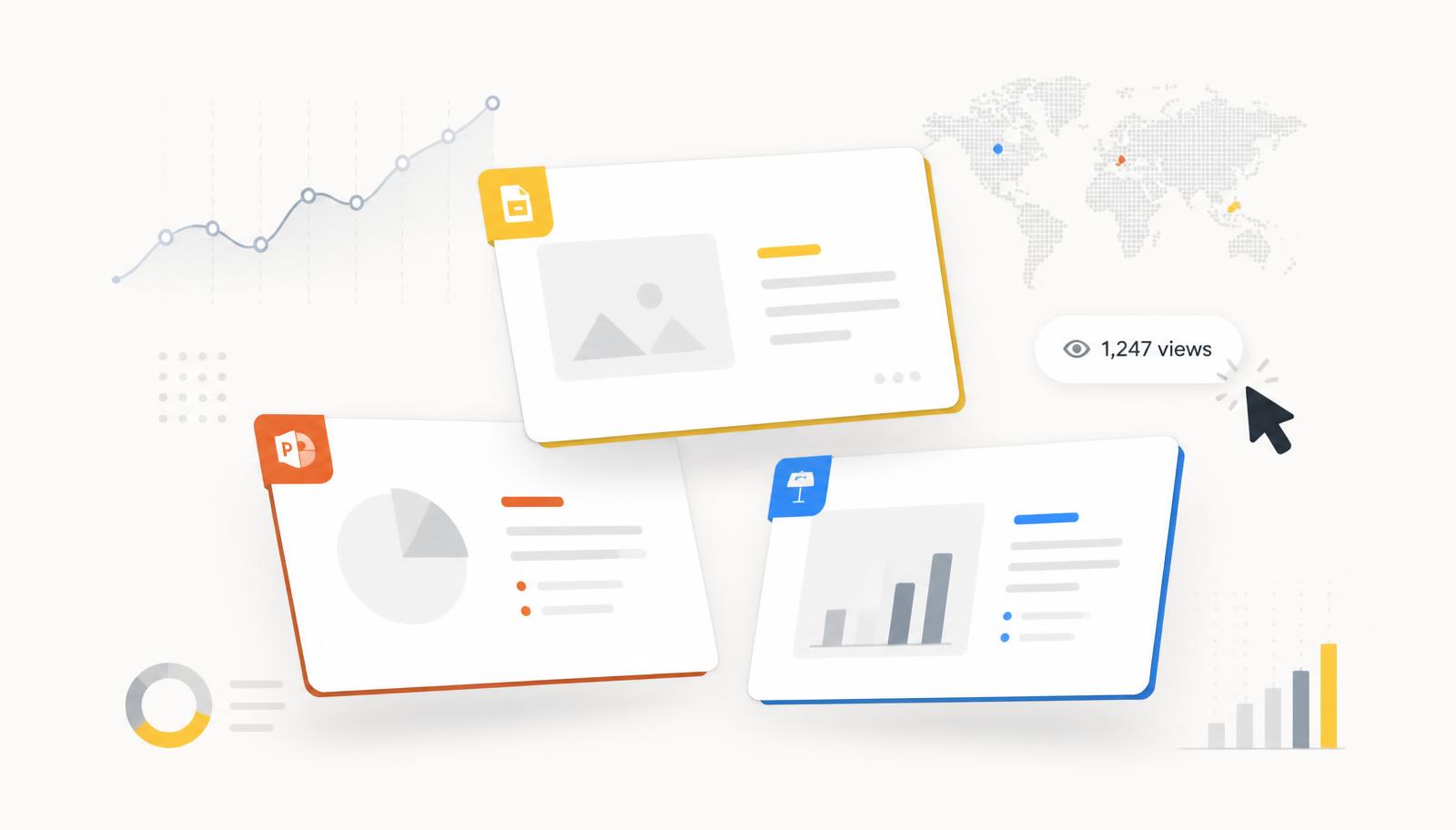
You spent hours in Google Slides, PowerPoint or Keynote polishing a deck, sent the share link, and then — nothing. No view count, no idea which slide the buyer lingered on, no signal that they even opened it. That's not a bug in your workflow; it's a gap in the tools themselves. This guide walks through why the big three don't offer presentation analytics, what people actually mean when they search for "Google Slides analytics" or "PowerPoint analytics", and how to close the gap without changing where you author.
The uncomfortable truth: none of them track viewers
Google Slides, Microsoft PowerPoint and Apple Keynote are authoring tools. They're excellent at helping you build a deck — and completely silent once that deck leaves your hands. A shared Google Slides link doesn't log viewers. A PowerPoint file uploaded to OneDrive shows an "opened" flag at best. A Keynote deck sent via iCloud share tells you nothing at all.
- Google Slides analytics — the share link records edits and comments, not viewer sessions. There is no per-slide time or drop-off data.
- PowerPoint analytics — OneDrive and SharePoint can show "recent activity" on the file, but not slide-level engagement on a shared link.
- Keynote analytics — iCloud share links are effectively invisible. There is no dashboard, no view count, no viewer log.
Why the big three don't offer analytics
Google, Microsoft and Apple built these tools for collaborative authoring, not sales enablement. Their revenue comes from seats, storage and workspace bundles — not from helping you close deals faster. Adding per-viewer tracking would also drag them into privacy and consent questions their platforms aren't designed to answer at scale. So the analytics gap stays open, and a separate category of tools has grown to fill it.
What "presentation analytics" actually means
When teams ask for analytics on a Google Slides, PowerPoint or Keynote deck, they almost always want the same five things:
- Was the link opened at all — and by how many unique viewers?
- How long did each viewer spend on each individual slide?
- Where did they drop off, and which slide did they return to?
- Was the link forwarded to someone else in the buying committee?
- Roughly where and on what device did they view from?
None of those questions can be answered inside Slides, PowerPoint or Keynote. All of them can be answered by a shared link that runs through a document-analytics layer.
The workaround: export once, share a tracked link
You don't have to change how you author. Every one of the big three exports cleanly to PDF, and a hosted PDF viewer can add the analytics the source tool refuses to.
- Google Slides: File → Download → PDF Document (.pdf).
- PowerPoint: File → Export → Create PDF/XPS Document.
- Keynote: File → Export To → PDF…
- Upload the exported file to a document-analytics tool like SendDeck.
- Share the generated link instead of the raw Slides/PPT/Keynote file.
The recipient sees a clean, branded viewer that looks like a live presentation — not a downloaded file. You see a live feed of who opened it, how long they spent on each slide, and where they stopped.
Google Slides analytics with SendDeck
Google Slides is the most common starting point because so many teams already collaborate there. The workflow is: export the finished deck to PDF, drop it into SendDeck, and share the SendDeck link. Every viewer gets logged with per-slide timing, device, rough location and re-open detection. Edits still happen in Slides — you just re-upload when the deck changes, and the link stays the same.
PowerPoint analytics with SendDeck
PowerPoint decks tend to be heavier — video, animations, embedded charts. Exporting to PDF flattens the animations, which is usually what you want for a shared, read-only version anyway. SendDeck then gives you the same per-slide analytics you'd expect from an enterprise sales-enablement platform, without the enterprise price tag or the requirement to leave the Microsoft stack.
Keynote analytics with SendDeck
Keynote is the biggest analytics black hole of the three — iCloud share links give you literally nothing back. Exporting to PDF and sharing through SendDeck is the fastest way to turn a Keynote deck into a measurable asset. Designers who love authoring in Keynote don't have to give it up; they just stop attaching the raw file.
What you can measure once the link is tracked
- Per-slide time (the single most useful sales signal — where they lingered, where they skipped)
- Session replay of the full view, slide by slide
- Number of unique viewers per link and re-opens over time
- Viewer location map (country/city, no IP addresses stored)
- Password protection and link expiry for anything sensitive
- Custom link names (e.g. senddeck.to/s/acme-corp) so the URL itself feels personal
Privacy — analytics without tracking the person
Tracking a deck view doesn't have to mean tracking the human. SendDeck is GDPR-compliant, EU-hosted, doesn't store viewer IP addresses and doesn't set third-party cookies on shared links. Viewer geolocation is derived at request time from an anonymized lookup. That means you can send a deck to an external prospect without pulling them into a marketing tracking stack.
The takeaway
Google Slides, PowerPoint and Keynote will probably never ship real presentation analytics — it's not their business model. The fix is to keep authoring where you already do, export to PDF, and share through a link that reports back. If you're coming from DocSend, see the DocSend alternative comparison. If you're weighing Papermark, the Papermark alternative comparison covers that. And if you want a deeper walk-through of the underlying tracking model, how to track PDF views is the companion read.